UI/UX Design Trends and Best Practices for 2026
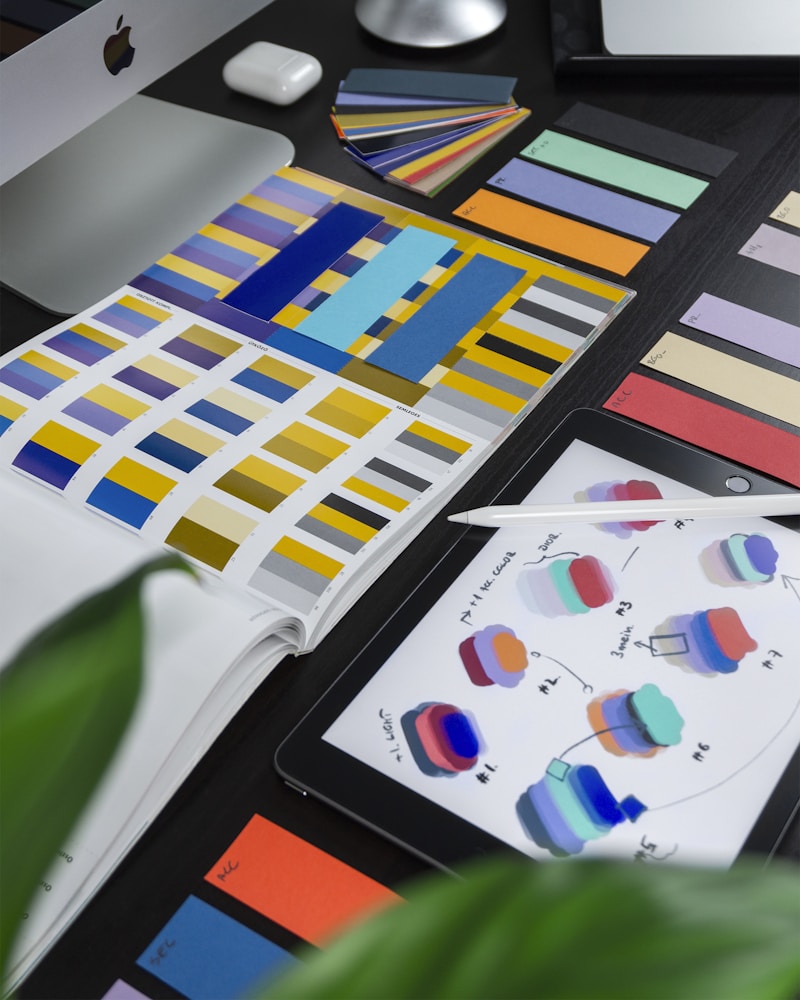
UI/UX Design Trends for 2026
1. Glassmorphism 2.0
Multi-layered blur effects, dynamic transparency, gradient overlays for depth.
2. Micro-Animations
Subtle movements that enhance interaction: hover effects, page transitions, skeleton loading, scroll-triggered animations.
3. Dark Mode Default
Dark mode is now the default, not an option. It reduces eye strain, saves battery on OLED screens, and delivers a premium look.
4. AI-Powered Interfaces
Personalized dashboards, natural language interaction, predictive UI suggestions.
5. Accessibility (A11y)
WCAG 2.2 compliance, keyboard navigation, color contrast optimization, screen reader compatibility.
Contact us for professional UI/UX design.
Frequently Asked Questions
What's the difference between UI and UX?
UI focuses on visual design and interface elements, while UX covers the entire user experience and interaction process.
Why is dark mode so popular?
It reduces eye strain, saves battery on OLED screens, and delivers a modern, premium look.
Which tools should be used in the design process?
Figma (prototyping), Adobe XD, Framer, and Storybook are most popular. Figma is the best choice for team collaboration.